 Chrome & Firefox extension
Copy Pasta
A multi-copy clipboard that lives at your cursor.
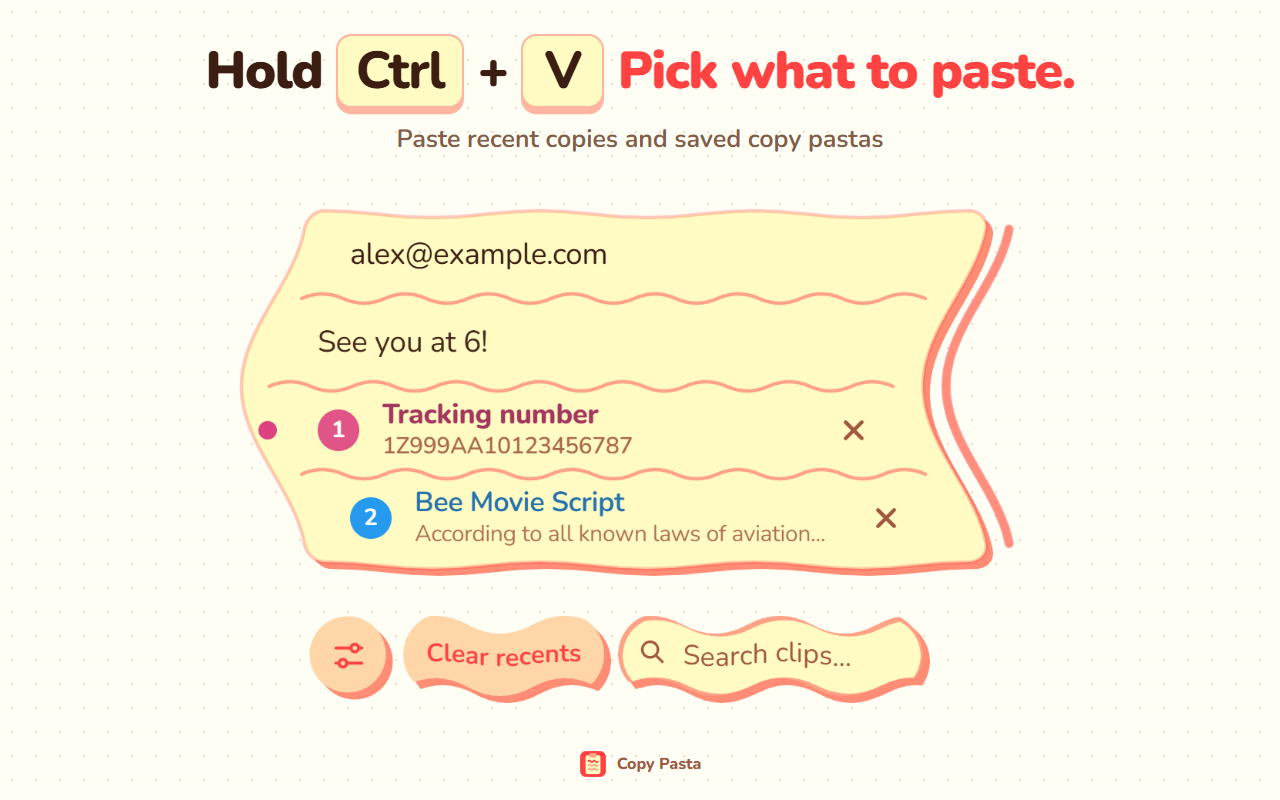
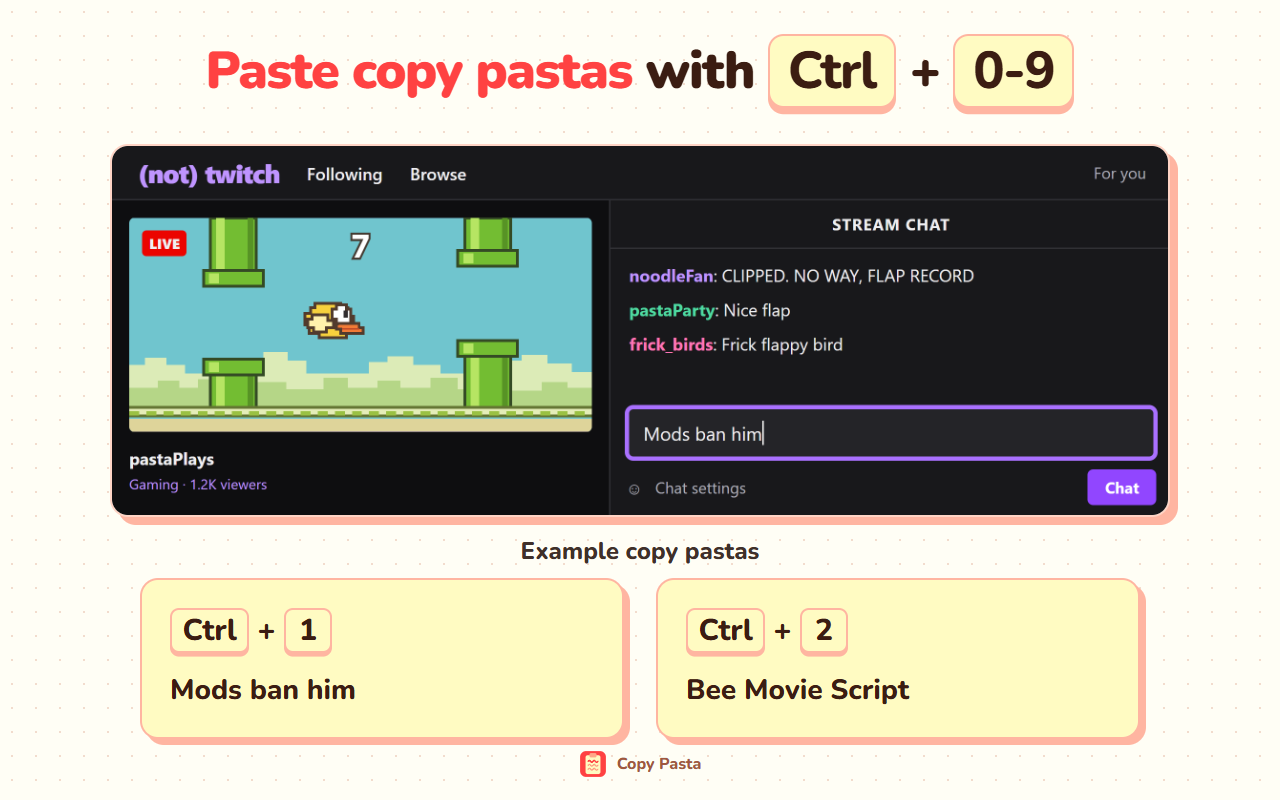
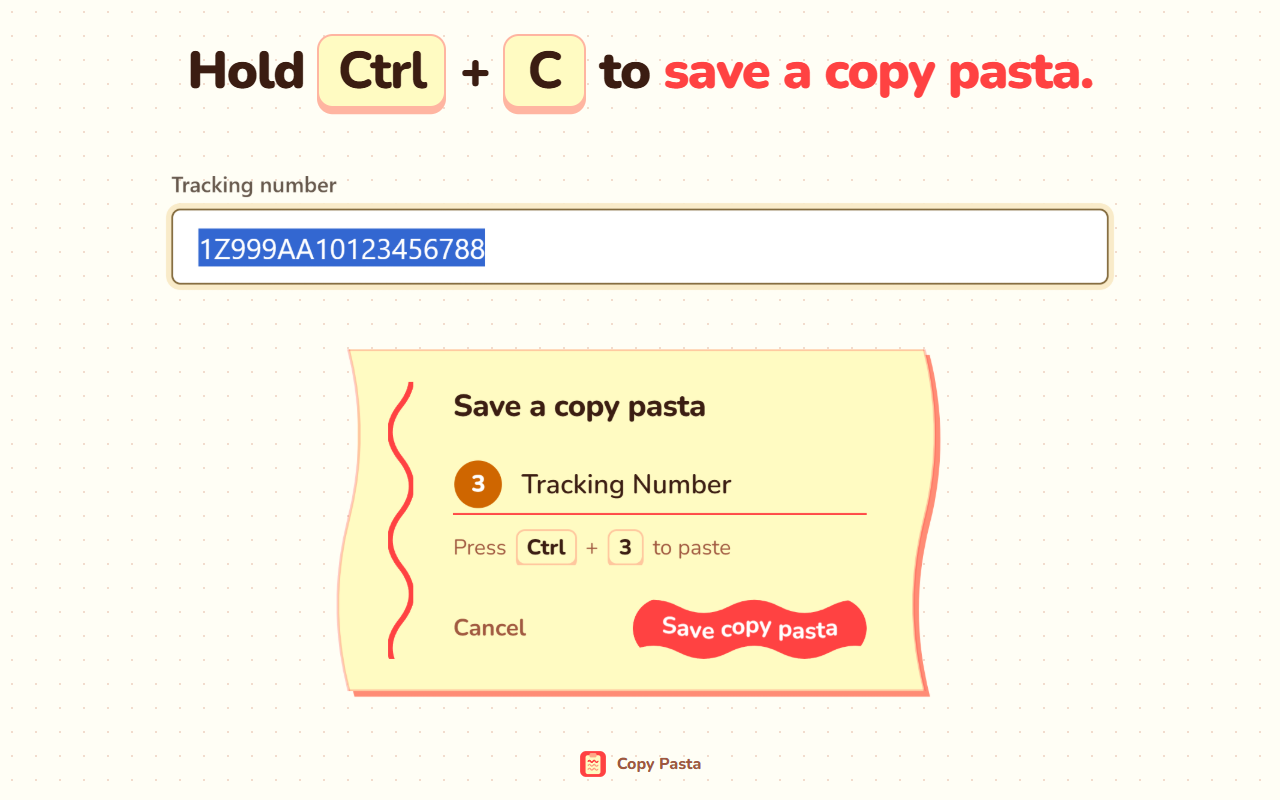
Hold Ctrl+V to pick from your recent copies, or hold Ctrl+C to save a "copy pasta" you can paste anywhere with Ctrl+0–9.
About
Copy Pasta keeps a rolling stack of the things you copy. A quick Ctrl+V still pastes normally; holding it opens a searchable list right at your text cursor, arcing away from the screen edge.
Text you reuse often can be saved as a named copy pasta and bound to a number key, so a tracking number, an address, or a canned reply is always one shortcut away.
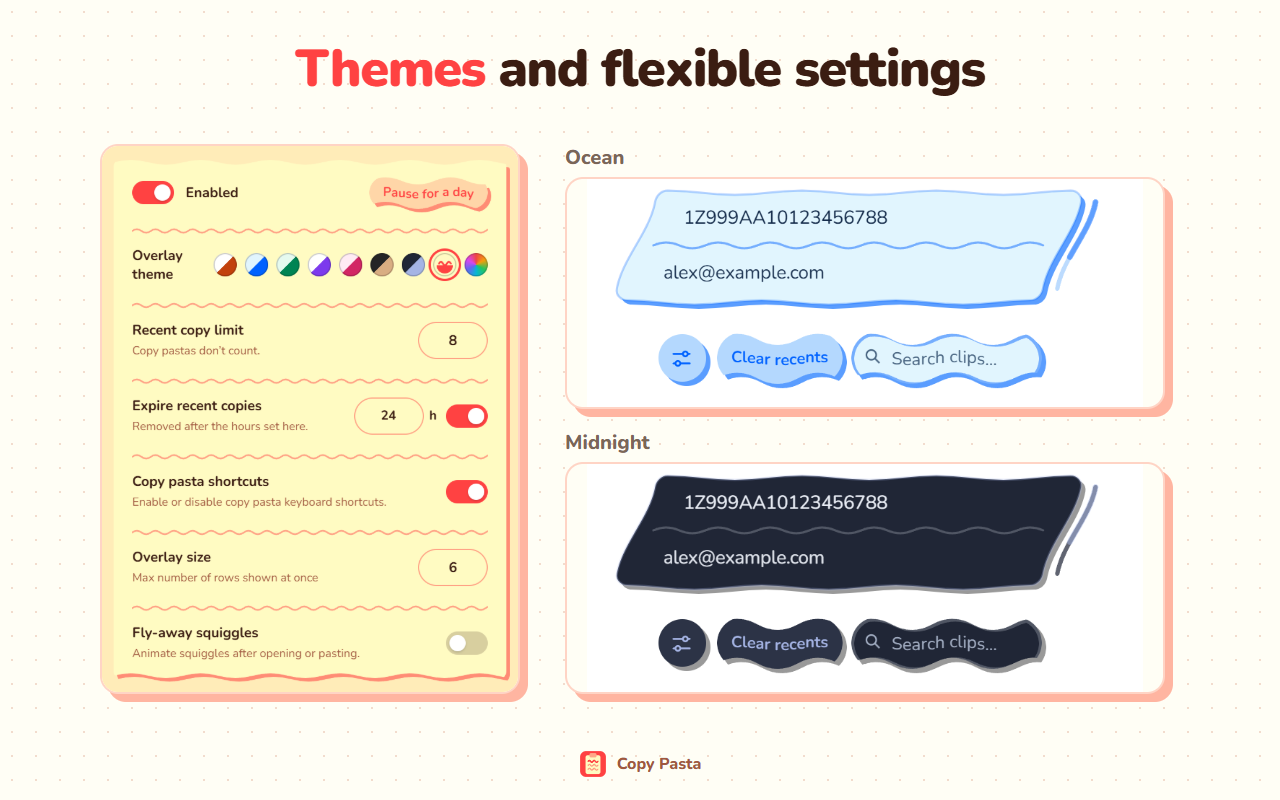
Everything stays on your device. Incognito windows get their own memory-only history that is wiped when the last private window closes.